
First 3 games
Free
Start playing right away. No subscription, no purchase sheet before your first game.
Ultimate score tracker
Huck is an Ultimate scoreboard for Apple Watch and iPhone. Tap to add a point, follow the score and the next mixed set, and keep your goals, assists and workout with the game.
 First 3 games free. Every feature included.
Keep the score close
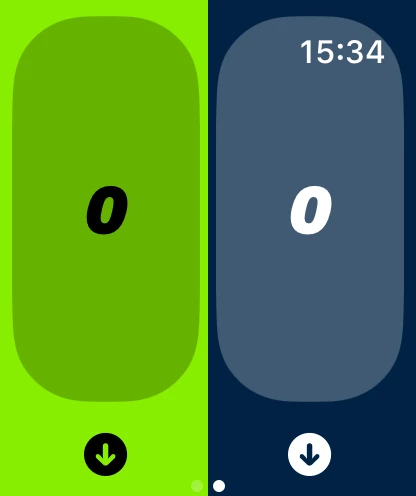
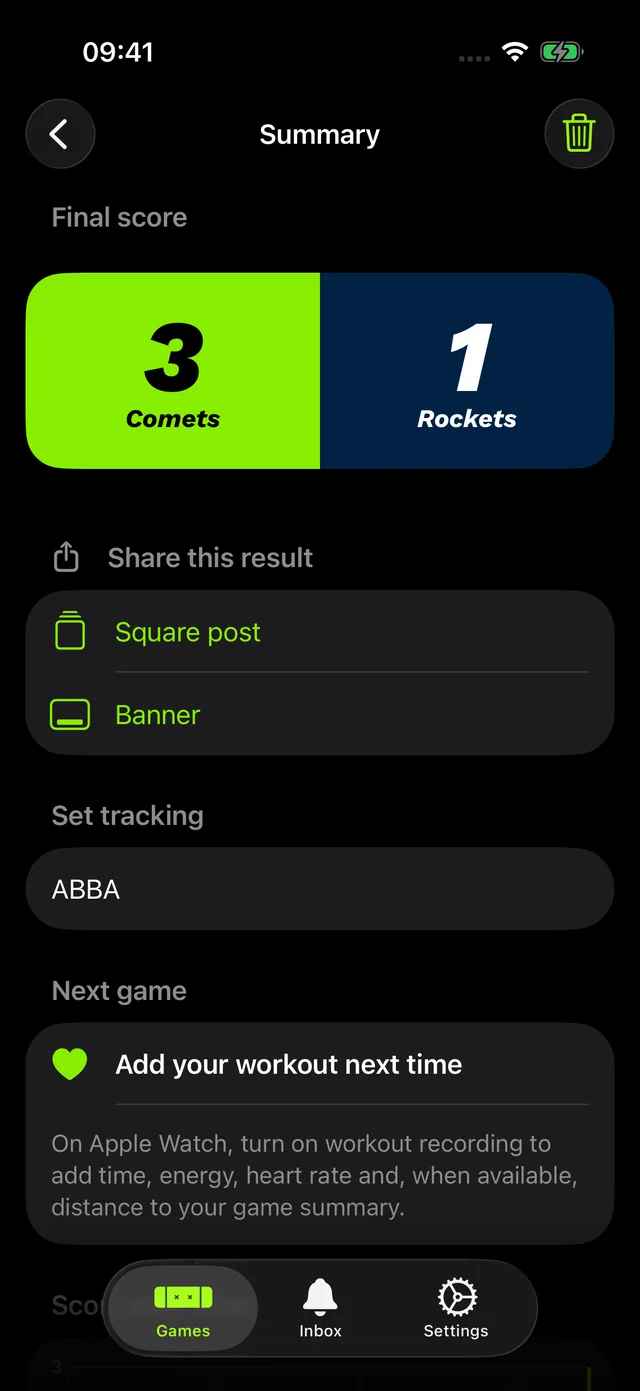
Add a point with a tap on Apple Watch or iPhone and keep your head in the game. Your team names and colours stay with the result.
Apple Watch home
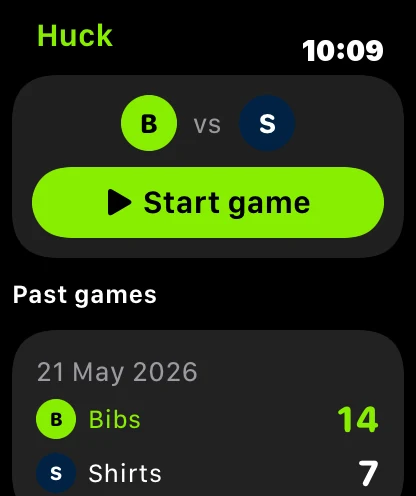
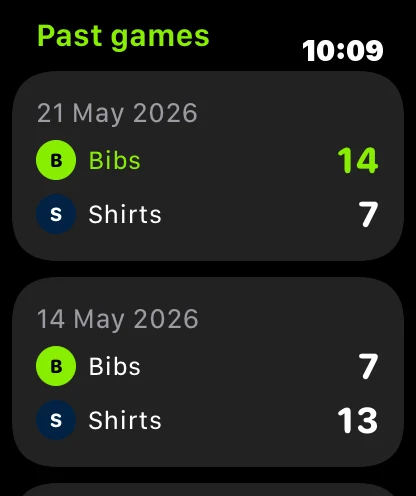
Your teams and one big Start game button sit up top. Below them are your latest results, with a green score for a win and each team's badge and name, plus a link to see every past game.
Mixed sets
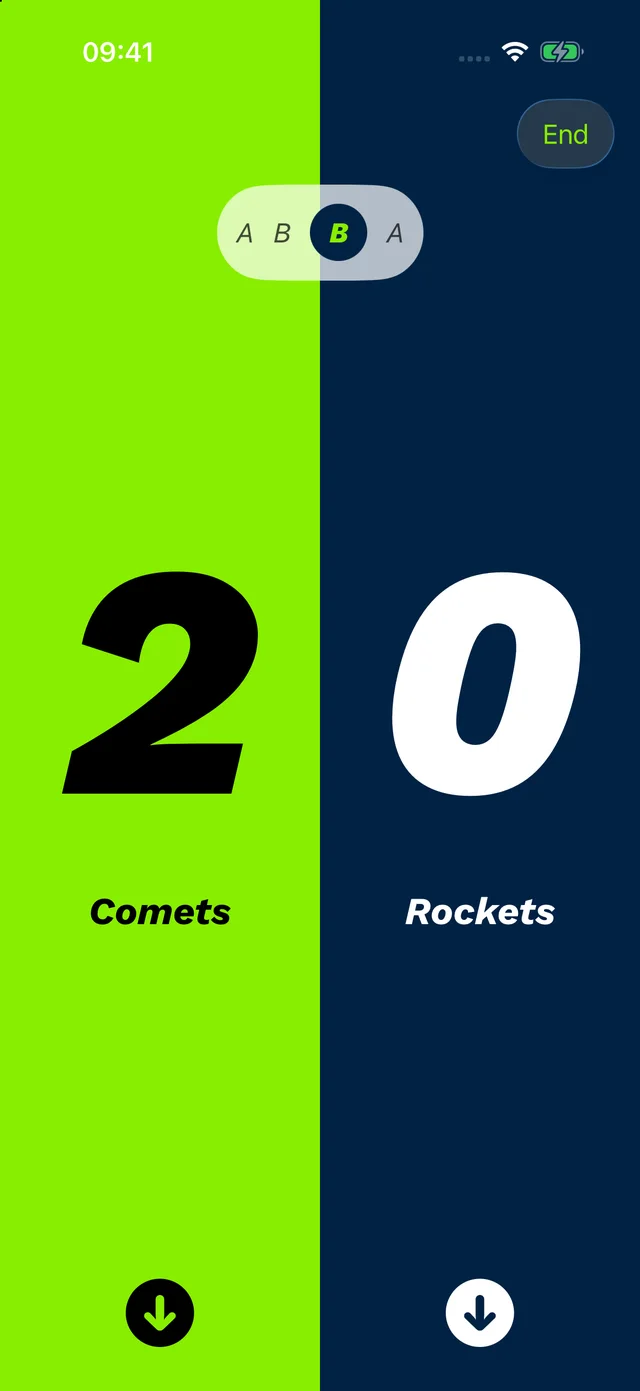
Pick ABBA or OWWO/WOOW and Huck advances the active set as the score changes. No more arguing about who is on next.
Personal stats
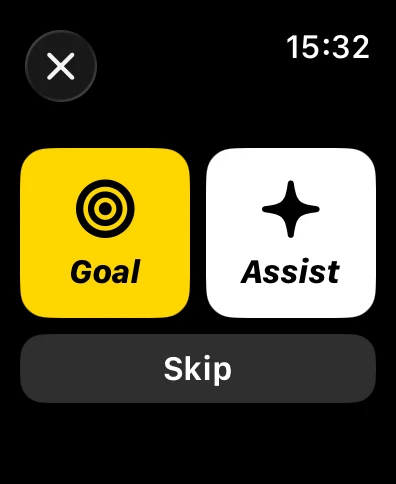
Tap Goal, Assist or Skip right after a point, from your wrist. Look back at your contribution once the game is done.
Apple Watch workout
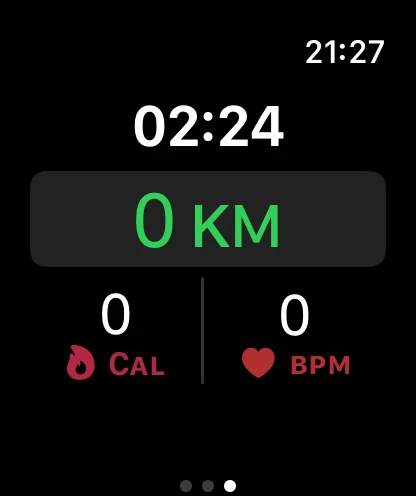
Huck records a workout on Apple Watch while you keep score, then shows duration, distance, active energy and heart rate alongside the game when available.
Teams
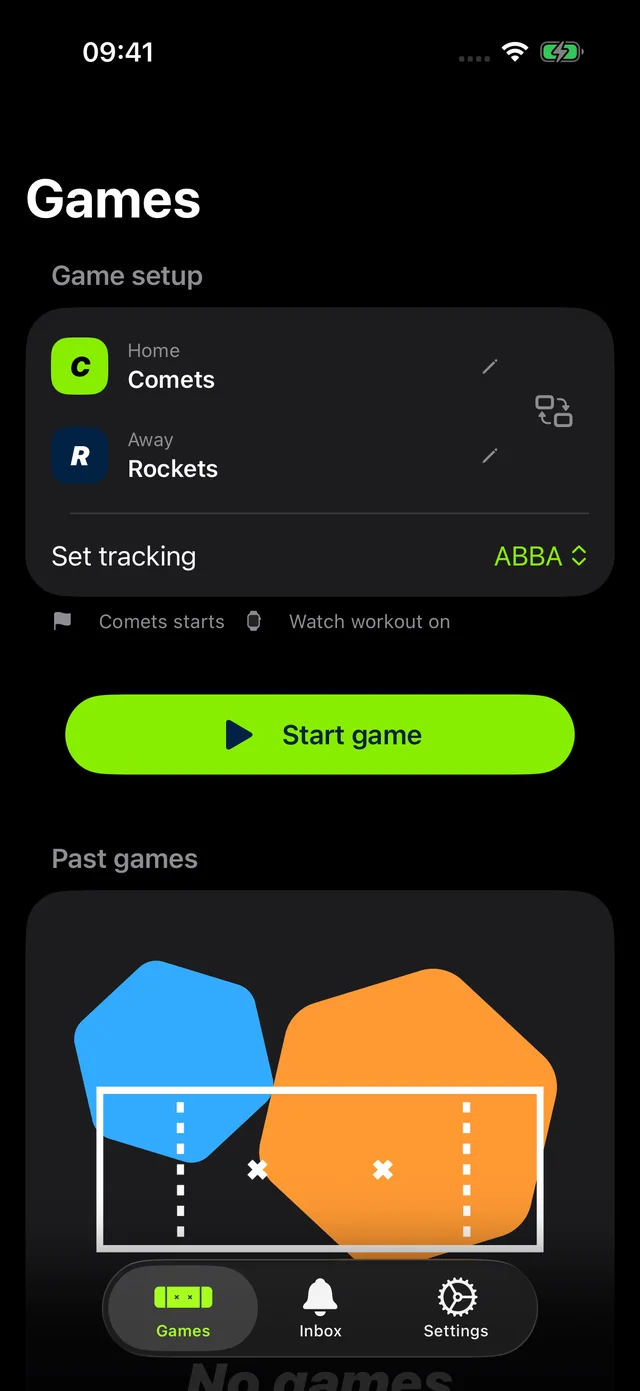
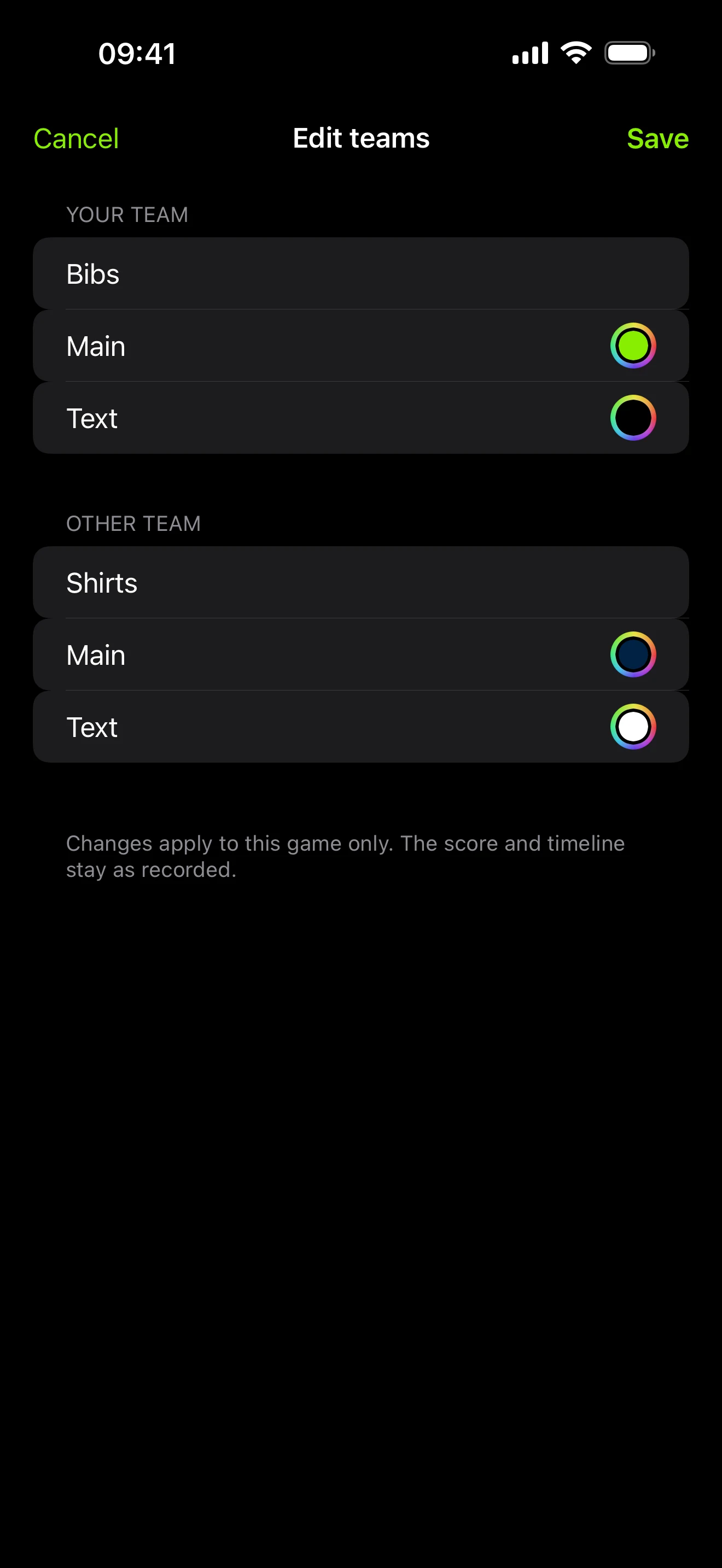
Set team names, colours and your set rotation before the first pull. They follow the game into your summary and history.
Edit after the game
Typed a team name wrong, or picked the wrong colours? Edit both on a finished game. The score and timeline stay as recorded, and the images you share use the new names.
After the game
Every game ends with a summary you can look back on, and a result card to share with the team.
How a game goes
Name your teams, pick colours and choose a mixed-set rotation.
Score and log your contribution from your wrist or phone. Record a workout on Apple Watch if you want one.
Review the score, your stats and the set history, then share the result.
Pricing
Every game includes every feature. Prices are shown in your own currency in the App Store.
Free
Start playing right away. No subscription, no purchase sheet before your first game.
Packs of 5, 10 or 25
For occasional players. Credits never expire. One is used when a game lasts 5 minutes or more.
Unlimited games
For regular players. Choose monthly, three-month or yearly billing.
Your saved history always stays available, even with no credits. Existing Huck Pro and lifetime purchases are honoured. Subscriptions renew automatically unless cancelled at least 24 hours before the end of the current period; manage them in your App Store account settings.
Questions
Yes. Add a point to either team with a tap on Apple Watch. The score also appears on iPhone.
No. Huck keeps score on Apple Watch on its own, and your Watch and iPhone stay in sync without needing an internet connection.
Yes. Pick your rotation before you start and Huck advances the active set after every point.
Yes, on Apple Watch with Health permission. Huck records the workout alongside the game, and works without it if you prefer.
Huck is built for Ultimate: the scoreboard, mixed sets, goals and assists are designed around how the game is played.
Your first 3 games are free, with every feature included and no subscription needed to start.
One credit is used when you finish a game lasting 5 minutes or more. Shorter games do not use a credit.
No. Game credits never expire, and every game you use them on includes every feature.
You will need credits or Huck Pro to start another game. Your saved history stays available.
No. Huck works on iPhone and iPad. Apple Watch adds wrist scoring and workout recording.
Your first 3 games are free, with every feature included.
Huckdates
Occasional updates, only if you sign up. Unsubscribe any time. This form is protected by reCAPTCHA, and the Google Privacy Policy and Terms of Service apply. See our privacy notice for how your details are handled.